Menu
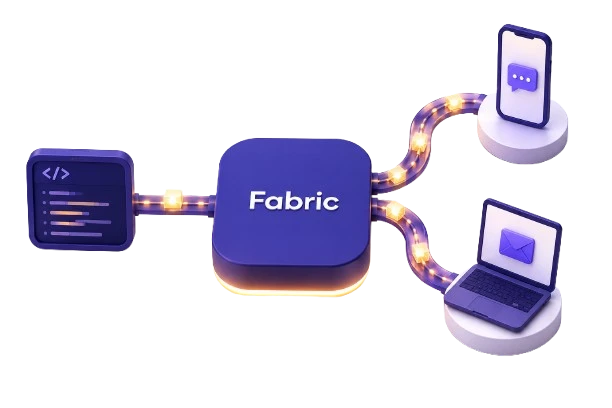
SMS + email / direct + managed
Turn product events into customer messages.
Send directly, or manage versioned messages in Fabric.
The product view
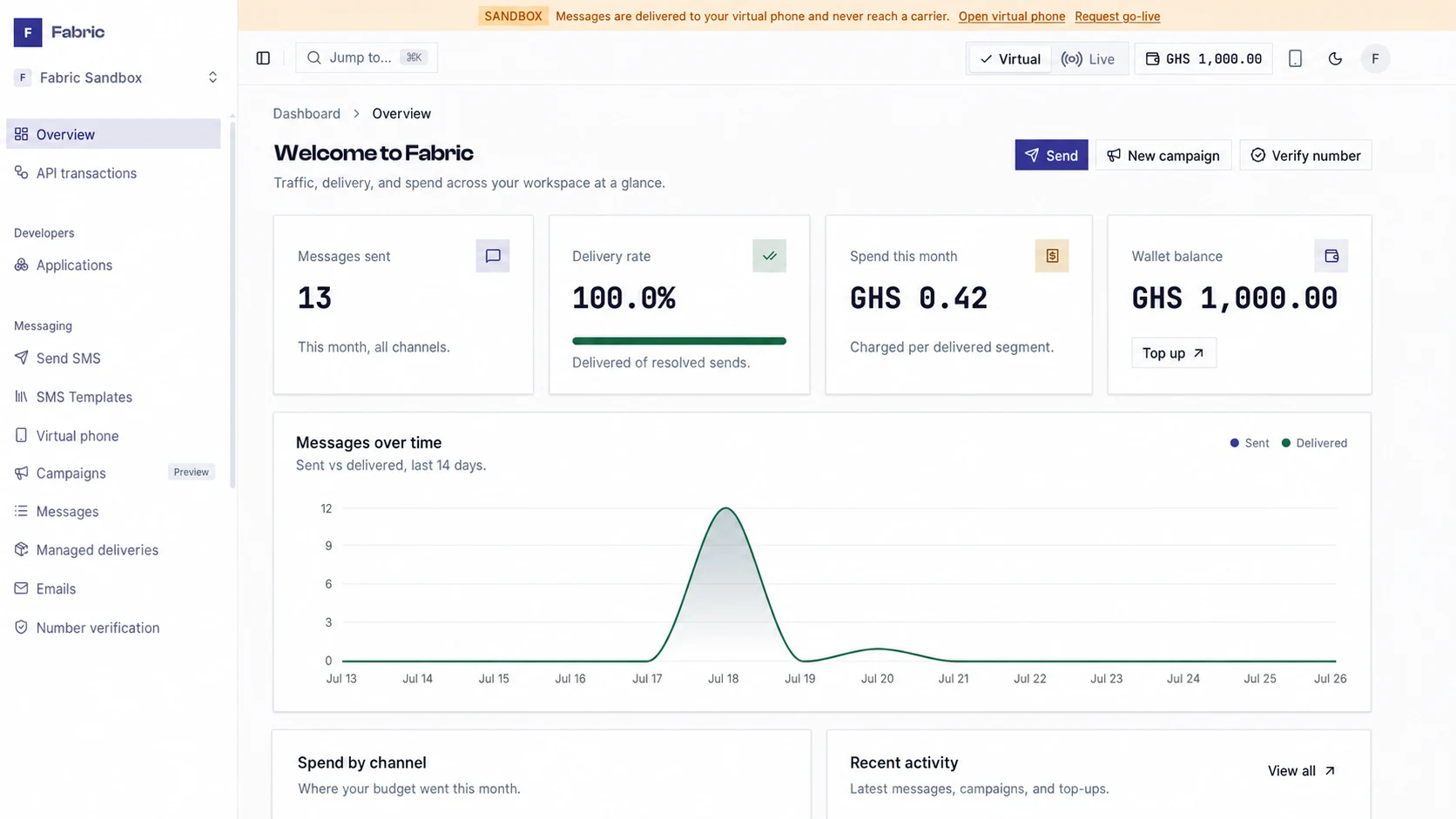
Delivery and spend, together.
Follow direct and managed sends by channel, state, and cost, with the wallet balance beside them.
Two ways to send
Direct APIs or managed messages. One operating model.
Keep final content in your application, or move versioned copy and channel decisions into Fabric. Both paths share environments, delivery states, webhooks, and billing.
Direct SMS
Send one message or a batch of up to 100. Follow each delivery.
Direct email
Send text or HTML from a verified domain. Retrieve every message.
Managed messages
Version SMS and email by stable key, locale, and typed variables.
Preview before sending
Render content, blockers, and cost before anything is sent.
Managed messaging
Version the message, not the deploy.
A definition owns the channel and content. Your application sends a stable key through the typed SDK.
- 1Define
Set the channel, copy, variables, locales, and sender.
- 2Preview and release
Render through the send path, then publish an immutable environment version.
- 3Send and follow
Call a stable key and follow the delivery or its signed webhook event.
Pricing
Know the cost before the send.
SMS is billed per segment and email at a flat rate per send. Every reservation, charge, and refund stays on the ledger.
What it costs at your volume
Standard fallback rates —SMS GHS 0.03 / segment · email GHS 0.05 / send. Fabric reserves before dispatch, settles delivered messages, and returns failed or expired reservations.
Sandbox activity uses test credits and never contacts a carrier or inbox. Your dashboard shows the rate book assigned to your workspace.
Coverage
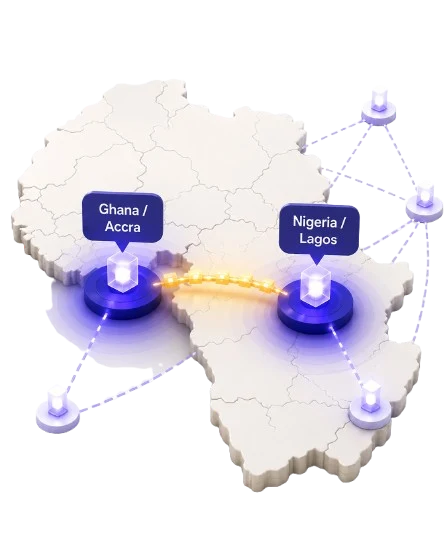
Built for delivery in Ghana & Nigeria.
Sender-ID approval, recipient consent, DND status, and promotional quiet hours are send-path controls, not a checklist your team has to remember.
- Transactional SMS routes — Ghana & Nigeria
- Email — verified sending domains
- Sender-ID registration — Ghana & Nigeria
- WhatsApp, push & voice — roadmap
Production readiness
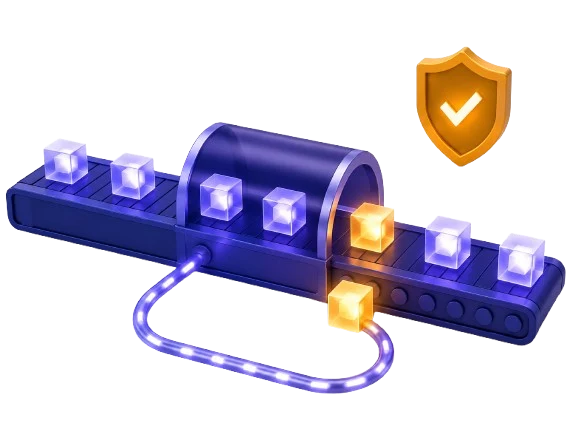
Designed for failure and recovery.
Sending remains available through administrative outages, money stays protected, and delivery outcomes remain recoverable.
Sending stays available
Cached platform controls keep administrative outages out of the send path.
Money fails closed
A live message is not dispatched unless Fabric can reserve its cost.
Durable delivery events
Signed events are queued, retried, and replayable.
Server-side keys
Scoped keys stay on the server and can be revoked independently.
Quick start
From install to delivery in four steps.
- 1Install
npm i @fabric-messaging/sdk - 2Add your key
FABRIC_API_KEY=sk_test_… - 3Send
const { deliveryId } = await fabric.messages.send("order.shipped", { to, data, idempotencyKey }); - 4Follow
const delivery = await fabric.messages.retrieveDelivery(deliveryId);
FAQ
Questions before you start.
Do I need to fund an account to try Fabric?
No. A sandbox key exercises rendering, pricing, delivery states, and webhooks over a virtual route. It does not contact a carrier or inbox, and it does not prove live deliverability.
What is the difference between direct and managed messaging?
Direct SMS and email let your server own the final content. Managed messages store versioned SMS or email definitions in Fabric, so your application sends by stable key and content can change without a deploy.
Is Fabric only for SMS?
No. Fabric supports direct and managed SMS and email today. Live SMS requires an approved sender ID, and live email requires a verified sending domain. WhatsApp, push, and voice remain on the roadmap.
How does pricing work?
Pay per send from a prepaid wallet in local currency. SMS is billed per segment; email is billed at a flat rate per send. The calculator shows default rates, while your dashboard shows the rate book assigned to your workspace.
How long does sender-ID approval take?
It's a manual carrier/regulator review with no fixed turnaround, so register early. You can keep testing your integration in sandbox while approval is pending.
Run a real messaging flow in sandbox.
Use a test key to send directly or by managed definition without contacting a carrier or inbox.